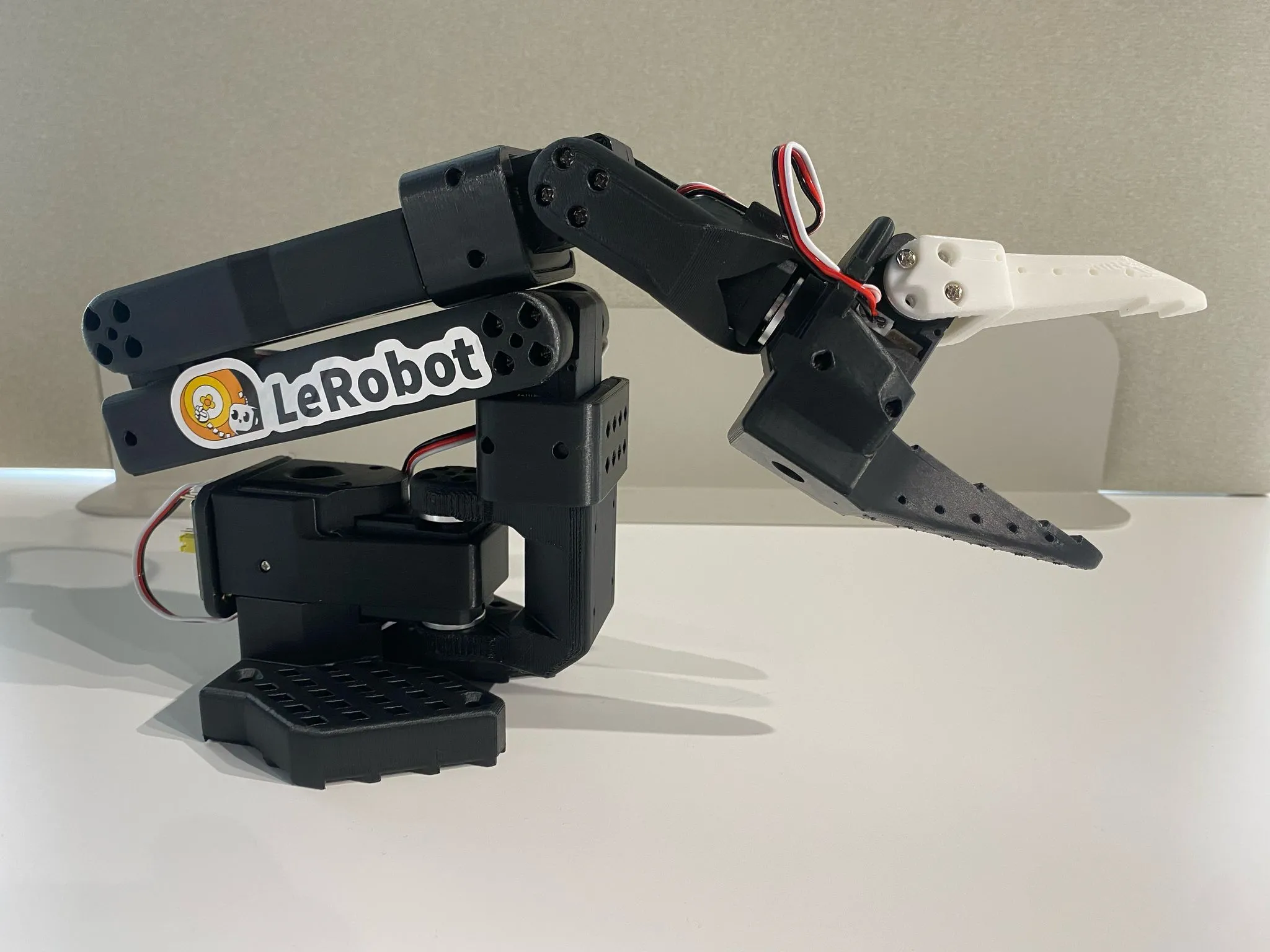
立即試用控制元件
Click into the view and steer the arm. No signup needed.
把滑鼠移到場景上,然後 WASD 控制底座和肩部,Q/E 控制肘部,R/F 控制手腕,T/G 讓它旋轉,空格鍵閉合夾爪。按鍵會在你按下時亮起——也可以用滑鼠在這裡按住它們。
模擬裡的每次動作都可以選擇存成一個回合,就像在真實機械臂上一樣。
你真正使用的操作介面
Manual Control: five cameras, joint sliders and recording.
 primary
Sliders
錄製
錄製的攝像頭
機器人未連線
The emergency stop halts everything at once and releases the motors.
Preview without a connected robot, the pictures are recorded frames.
註冊後會發生什麼
建立帳號
Free, choose the operator role.
練習模式
Practice in the simulator for free.
你的日程
Set when you are available.
通知
We email you when a robot is free.
即時會話
Steer a real arm remotely.
獲得報酬
Request a payout from EUR 10.
你如何拿到錢
Sessions on a real robot are paid by the hour, simulation jobs per successful demonstration.
Paid work has not started yet.
You request payouts from EUR 10, and we release each one after review.
- Stripe
- 直接打到你的銀行帳戶
- PayPal
- 只需要你的 PayPal 郵箱
- USDC / USDT
- USDC 或 USDT 轉入你的錢包
- Bitcoin
- 比特幣轉入你自己的地址
選擇你的位置,檢視延遲
這個數值是根據你與機器人之間的距離估算而來,並非實際測量。