
Hobby & open sourceRuns today

SO-100 / SO-ARM100
TheRobotStudio / LeRobot (Hugging Face)
5 DoF + gripper
Our reference arm. Low-cost, open source, recorded as a leader and follower pair.
Image: TheRobotStudio · Apache-2.0 · edited
Remote Robot Teleoperation
Remote Data Collectors driveyour robots - remotely.
Connect your arm to our network of Remote Data Collectors and have demonstration data collected around the clock, without sitting at the leader arm yourself.
Powering robotics research and development worldwide



 Hugging Face
Camera feed, latency and gripper in one window. Drive it from the keyboard, from sliders, or in leader-follower mode where the second arm mirrors your motion. Every move can go straight into a dataset.
Move the leader robot manually and the follower will mirror its movements.
Pick a model, type an instruction in plain language, hit start. The computation runs either locally on the robot or on a rented GPU, and the joint targets stream back.
Pick a model, then a trained policy (or the base model), and enter an instruction in plain language. The model computes joint targets and streams them to the robot until you stop the pilot.
Select the datasets you recorded, set model and hyperparameters, start the run. The GPU is rented by the hour and the finished checkpoint lands back in your workspace, ready for your arm.
Choose which VLA model architecture to train
Choose one or more datasets to train on
Your setup keeps running with your trained policy. If the arm gets stuck, a remote operator sees it in the live view, takes over, steers the arm back into its start position and hands control back to the policy.
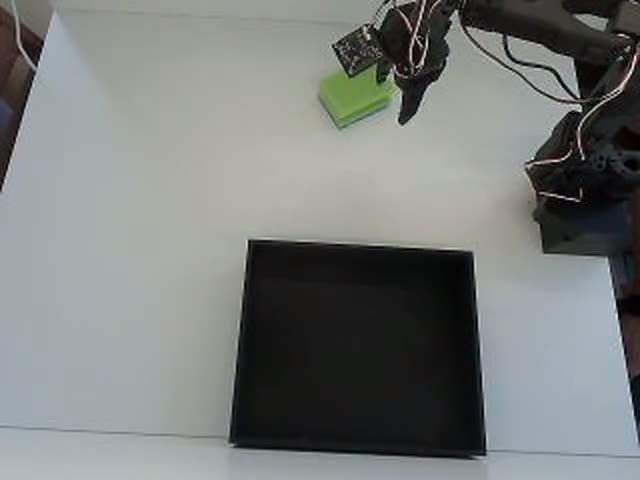
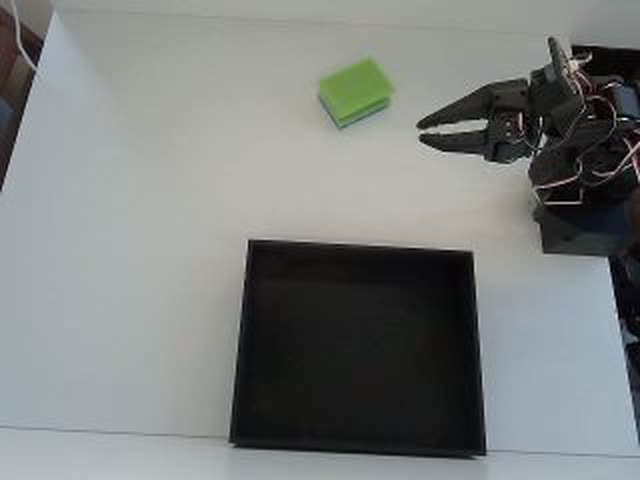
Your trained policy works through the task on its own.
Animated mock-up of the operator view over a real recording, played in reverse in step 4. In a live session the operator sees your camera stream.
Arm, cameras and policy stay where they are. You start the run and release the robot for operators.
The operator only steps in when the policy gets stuck and hands back right after. The emergency stop is always within reach.
You set the maximum hourly rate when you release the robot. Only the minutes the session actually ran are billed.
Get started in three simple steps
Choose from our supported robot arms or request support for your hardware.
Install our lightweight client on your robot controller.
Connect to our operator network and begin collecting data.
A policy is only as good as the episodes behind it. You can collect them with your own hands, pay operators around the world to collect them on your setup, or buy a finished dataset from the marketplace.
Plug your arm into the desktop client, hit record, and the episodes land in LeRobot format on your own machine. No Python, no setup weekend.
Get the desktop clientSkilled operators from over 50 countries take control of your arm remotely and record the task you describe. You pay by the hour and only for the sessions you book.
See ratesSkip the recording. Browse ready-made episode sets by robot, task and quality, and start training the same day.
Open the marketplaceEvery route ends in the same place: a LeRobot dataset in your workspace, ready for training.
From hobby kits to industrial arms. The label on each card shows what runs with AY-Robots today and what we connect on request.
TheRobotStudio / LeRobot (Hugging Face)
Our reference arm. Low-cost, open source, recorded as a leader and follower pair.
Image: TheRobotStudio · Apache-2.0 · edited

Franka Emika
Torque-controlled research arm that appears in many published manipulation datasets.
Image: Ims · CC BY-SA 4.0 · edited

TheRobotStudio / LeRobot (Hugging Face)
Successor to the SO-100 with a revised wrist. Same servos, same workflow.
Image: TheRobotStudio · Apache-2.0

KUKA
Sensitive lightweight robot with seven axes, available with 7 or 14 kg payload.
Image: Xavier Caré / Wikimedia Commons · CC BY-SA 4.0 · edited

LeRobot (Hugging Face)
Open-source arm with Dynamixel servos. Its LeRobot datasets train like SO-100 data.
Image: Jess Moss · Apache-2.0 · edited

Universal Robots
Collaborative robot from the UR e-Series for heavy payloads.
Image: Auledas · CC BY-SA 4.0 · edited

Enactic (Open Source)
Open-source humanoid arm with seven axes, usually built as a two-arm pair.
Image: Enactic · Apache-2.0 · edited

FANUC
Compact six-axis industrial robot for handling small parts.
Image: BorbaZal · CC BY-SA 4.0 · edited

Dobot
Desktop arm for classrooms and maker labs.
Image: Giacomo Alessandroni · CC BY-SA 4.0 · edited

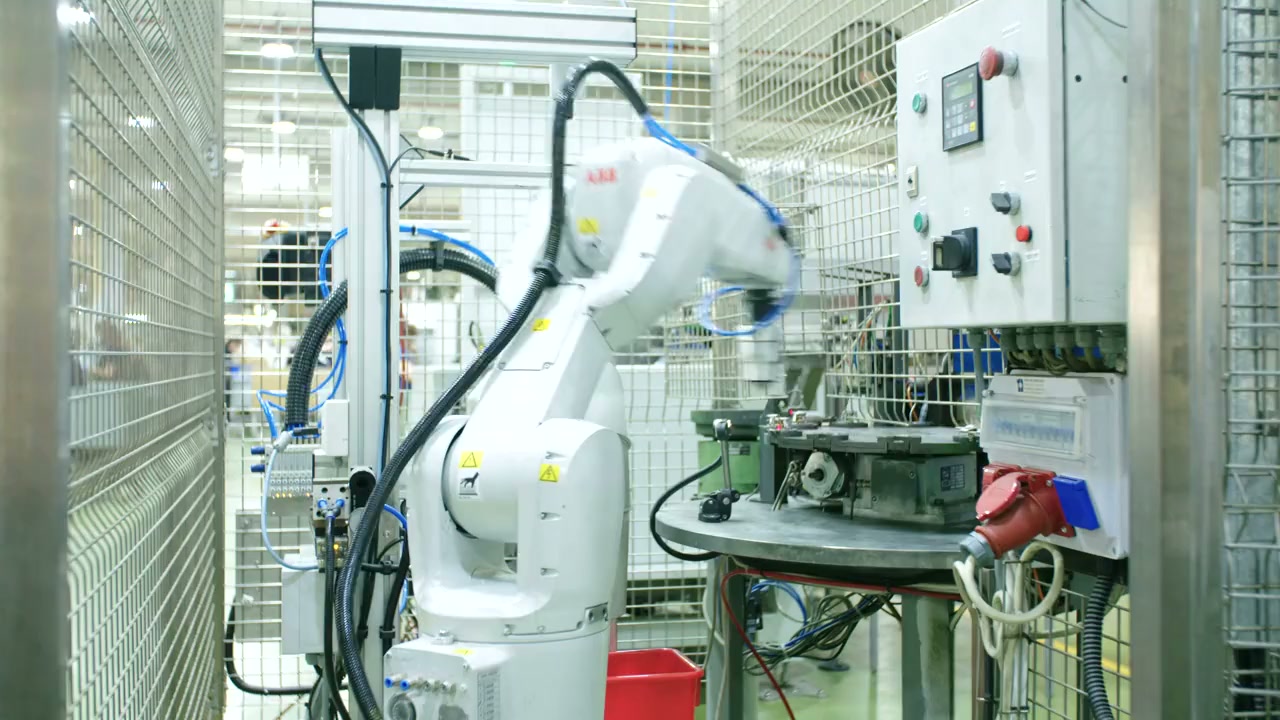
ABB
Dual-arm collaborative robot for small-part assembly.
Image: Stilfehler · CC BY-SA 4.0 · edited

Phenoptix / Mime Industries
Laser-cut acrylic kit with hobby servos, a classic first robot arm.
Image: Phenoptix · CC BY-SA 3.0
Install the AY-Robots client and record imitation learning datasets with your SO-100 or any supported arm. No Python, no terminal, no setup weekend.
No CLI build has shipped yet, so the install command is not shown here: it would only stop with "no release published yet". It appears as soon as the first build is out. The download page tracks what is published.
The CLI also runs as an MCP server, so Claude Code and other agents can operate your arm directly. MCP integration
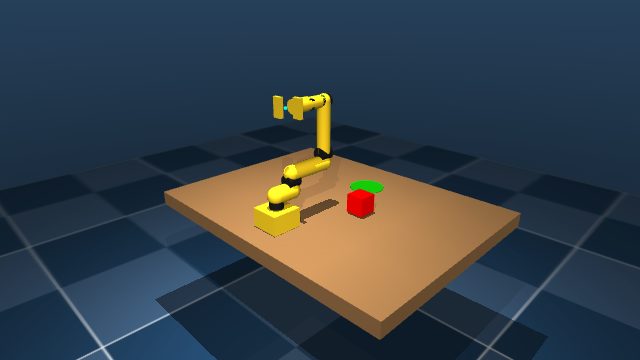
WASD moves the base, Q/E and R/F drive the joints, space closes the gripper. No install, no account, the same kinematics as the real arm.
Hover the scene, then WASD drives base and shoulder, Q/E the elbow, R/F the wrist, T/G rolls it and space closes the gripper. The keys light up as you press them - or hold them here with the mouse.
Every move in the sim can be stored as an episode, exactly like on the real arm.
Enterprise-grade teleoperation platform built for reliability and scale
~50ms latency worldwide. Real-time control feels natural and responsive.
Global network of trained operators. Automatic failover ensures continuous operation.
Collect high-quality demonstration data for your AI models. Export in any format.
End-to-end encryption, SOC 2 compliance, and secure data handling.
If an operator disconnects, another takes over instantly. Zero downtime.
We handle operator coordination, payments, and scheduling. You focus on your robots.
The CLI also runs as an MCP server: Claude, ChatGPT, Grok and any MCP-capable IDE connect to a hosted endpoint - query datasets, start recordings, drive the arm and report bugs straight to us. Nothing to install, public tools without a key.
Works together with the Hugging Face MCP Server: our datasets live on the Hub - agents find and load them directly through the official HF tools.
Copy the setup for your clientControl other teams' robots remotely and collect training data along the way - paid by the hour, on your own schedule, all in the browser. No robot of your own needed, no training, no inference.
Pay per hour of teleoperation. Rates vary by operator region.
Based on operator region. Volume discounts available.
Join hundreds of companies using AY-Robots for teleoperation and data collection.
Start Free Trial