

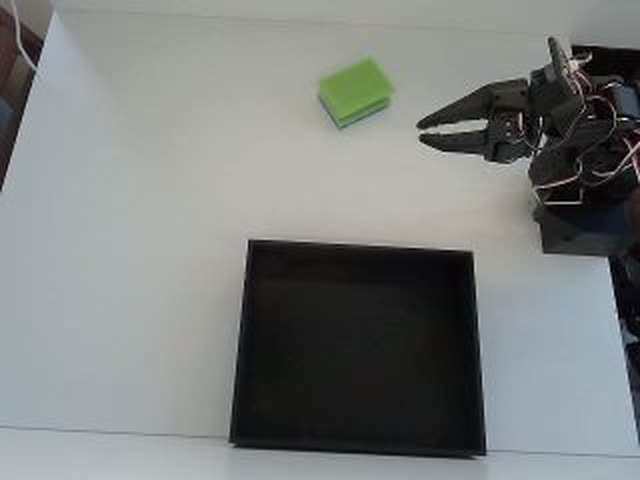

Remote Robot Teleoperation, local data recording, cloud inference, training, simulator and marketplace for robot arms
Teleoperation client
Local data recording, with your own arm.
The desktop app and CLI detect your arm and cameras automatically and guide you through recording, review and upload - straight into the LeRobot format. Custom tasks, camera setups and arm configurations included.
- for macOS, Windows, Linux
- €0
- two cameras plus joint data
- 30fps
- format, ready to train
- LeRobot
Trusted by Industry Leaders
Powering robotics research and development worldwide



 Hugging Face
Manual Control
Guide the arm yourself and record while you do
Camera feed, latency and gripper in one window. Every move can go straight into a dataset.Camera feed, latency and gripper in one window. Drive it from the keyboard, from sliders, or in leader-follower mode where the second arm mirrors your motion. Every move can go straight into a dataset.
Manual ControlSample data
camera_25LatencyQuality73%LIVEGrid
camera_25Double-click zooms · drag pans1×
Leader-Follower Mode
Move the leader robot manually and the follower will mirror its movements.
Leader
Follower
Recording
Dataset
+ New
Recording runs on Leader → Followerarm
primary camera_17wrist camera_25camera_18camera_20camera_24
Up to five live cameras, latency and image quality always in view.
- Up to five cameras at once, one of them on the wrist
- Recording starts and stops from the same view
- Latency and image quality always in sight
Cloud Robotics Inference
The policy runs on a cloud GPU, the arm moves at your desk
Pick a model, type an instruction in plain language, hit start. The computation runs either locally on the robot or on a rented GPU, and the joint targets stream back.
InferenceE-STOPSample data
AI Pilot - autonomous control
Pick a model, then a trained policy (or the base model), and enter an instruction in plain language. The model computes joint targets and streams them to the robot until you stop the pilot.
Configuration
Model
Policy7 trained policies
Instruction
Compute target
Arm
Test gripper
Home position
Saved (11.08.2026)
Go toSave poseSet
Denoising steps (GR00T only, 1-8, blank = auto)auto
GPU is already being prepared - for 0 s
Choose the model: GR00T, Pi0.5, SmolVLA, ACT or Cosmos.
- GR00T N1.7 and N1.5, Pi0.5, SmolVLA, ACT and Cosmos 3
- Your own policy or the base model without finetuning
- Joint angles, latency and predictions live in view
Training
Your episodes become your own policy
Select the datasets you recorded, set model and hyperparameters, start the run. The GPU is rented by the hour and the finished checkpoint lands back in your workspace, ready for your arm.
TrainingCloud (Vast.ai)Sample data
Select Model
Choose which VLA model architecture to train
Select Datasets
Choose one or more datasets to train on
Training Config⌄
Policy Name *
Batch Size
Learning Rate
Max Steps
20000
Runready
Step
0 / 20,000
Loss
-
Choose the architecture, from ACT to GR00T N1.7.
- Five architectures, each with sensible defaults
- Datasets from AY-Robots, Hugging Face or local disk
- Step, loss and runtime visible while it trains
Let remote operators control and supervise your robot arms
Your setup keeps running with your trained policy. If the arm gets stuck, a remote operator sees it in the live view, takes over, steers the arm back into its start position and hands control back to the policy.
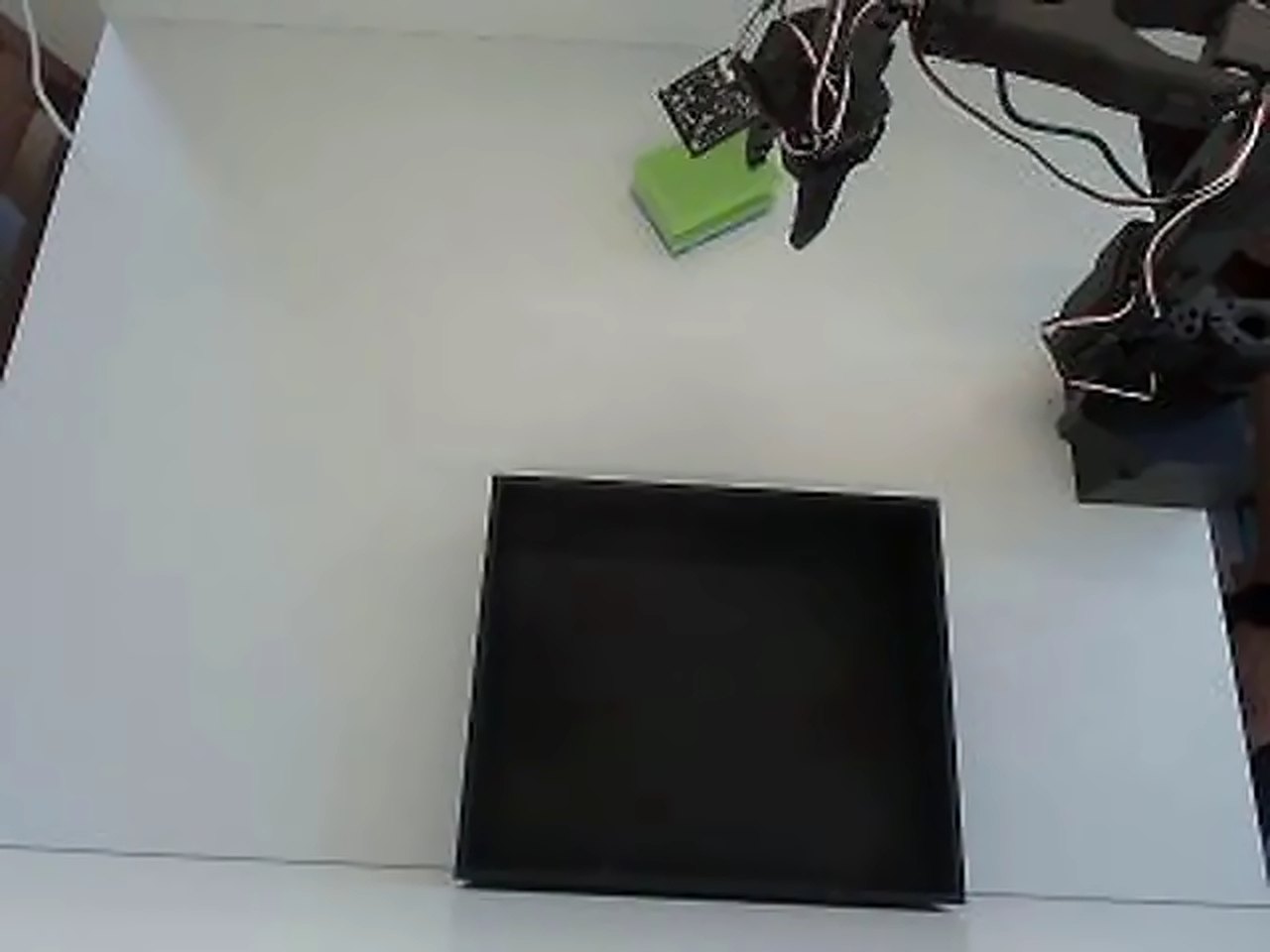
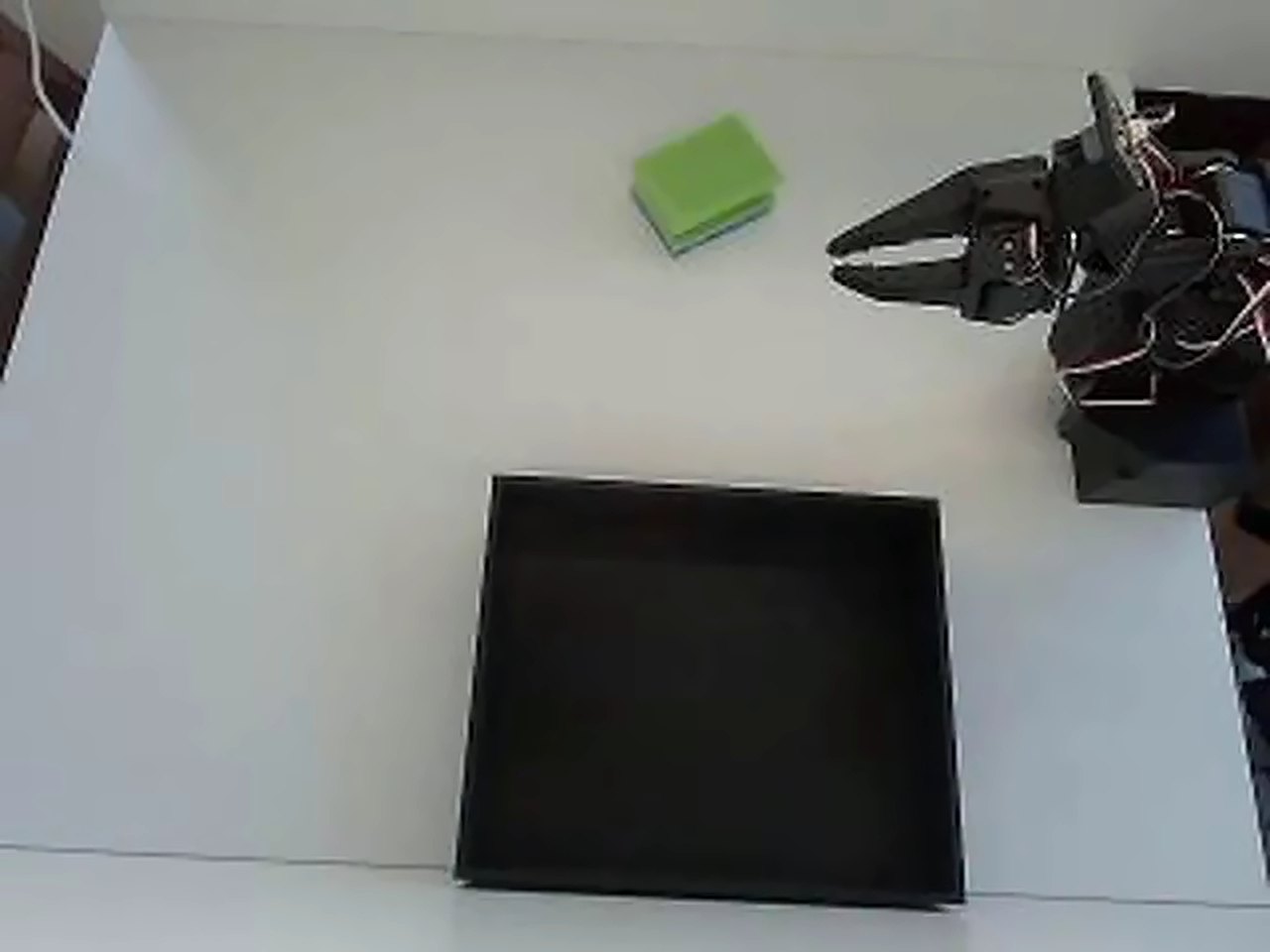
- 1Policy running Your trained policy works through the task on its own.
- 2Arm stuck The operator sees in the live view that the arm is stuck.
- 3Operator takes over One click on “Take over” pauses the policy.
- 4Back to the start position Joint by joint, the operator steers the arm back into its start position with the keyboard.
- 5Back to the policy The policy carries on from the corrected pose. The intervention is counted.
Step 1 of 5Policy running
Your trained policy works through the task on its own.
Animated mock-up of the operator view over a real recording, played in reverse in step 4. In a live session the operator sees your camera stream.
Your setup keeps running
Arm, cameras and policy stay where they are. You start the run and release the robot for operators.
A human only when needed
The operator only steps in when the policy gets stuck and hands back right after. The emergency stop is always within reach.
Paid by the hour
You set the maximum hourly rate when you release the robot. Only the minutes the session actually ran are billed.
Loading map...
Why Choose AY-Robots?
Teleoperation, data and policies on one platform.
Low latency
Commands go to the arm, video comes back. The map above estimates how long that takes for each pair of countries.
Operators in many countries
How many are registered where is shown live from our database on the map above.
A human steps in
If the policy gets stuck, an operator takes over by keyboard and then hands back to the policy.
Training data in LeRobot format
Collect demonstrations for your models. Every recording lands in your workspace as a LeRobot dataset.
Controlled access
Operators reach your arm only during their session and only through a list of allowed commands.
Scheduling and payments
We handle operator coordination, payments and scheduling. You focus on your robots.
How It Works
Get started in three simple steps
01
Select Your Robot
Choose from our supported robot arms or request support for your hardware.
02
Download Our Software
Install our lightweight client on your robot controller.
03
Start Operating
Connect to our operator network and begin collecting data.
Three ways to get training data
Record it yourself, have it recorded, or buy it
A policy is only as good as the episodes behind it. You can collect them with your own hands, pay operators around the world to collect them on your setup, or buy a finished dataset from the marketplace.
Record it yourself
Plug your arm into the desktop client, hit record, and the episodes land in LeRobot format on your own machine. No Python, no setup weekend.
Get the desktop clientHire operators
Skilled operators from over 50 countries take control of your arm remotely and record the task you describe. You pay by the hour and only for the sessions you book.
See ratesBuy a dataset
Skip the recording. Browse ready-made episode sets by robot, task and quality, and start training the same day.
Open the marketplaceEvery route ends in the same place: a LeRobot dataset in your workspace, ready for training.
Supported Robot Arms
Sorted by how widely each arm is used in open robot learning datasets and VLA work.


Franka Emika Panda
Franka Robotics
7 DoF, 855 mm, 3 kg
3D model: MuJoCo Menagerie (Google DeepMind) · Apache-2.0 · edited

Franka Research 3
Franka Robotics
7 DoF, 855 mm, 3 kg
3D model: MuJoCo Menagerie (Google DeepMind) · Apache-2.0 · edited

WidowX 250 S
Trossen Robotics
6 DoF + gripper, 650 mm, 250 g
3D model: Trossen Robotics · BSD-3-Clause · edited

ViperX 300 S
Trossen Robotics
6 DoF + gripper, 750 mm, 750 g
3D model: Trossen Robotics · BSD-3-Clause · edited


LBR iiwa 14 R820
KUKA
7 DoF, 820 mm, 14 kg
3D model: Robot Locomotion Group @ CSAIL · BSD-3-Clause · edited
Your arm. Your machine. Your data.
Record datasets with your arm on your own computer and keep them local until you upload.
Simulation in the browser
Drive the SO-100 right here
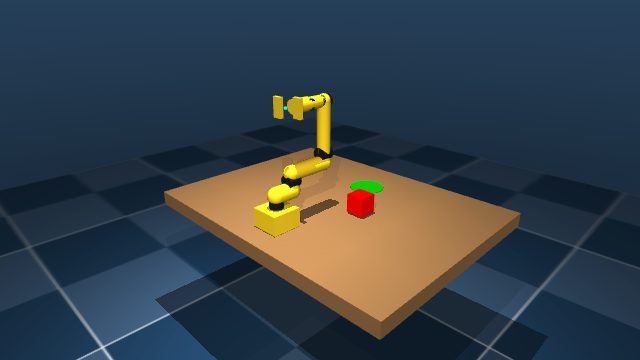
WASD moves the base, Q/E and R/F drive the joints, space closes the gripper. No install, no account, the same kinematics as the real arm.
Manual Control - SO-100 SimulationSample data
camera_frontFPS--SIM
Keyboard
Hover the scene, then WASD drives base and shoulder, Q/E the elbow, R/F the wrist, T/G rolls it and space closes the gripper. The keys light up as you press them - or hold them here with the mouse.
Recording
Every move in the sim can be stored as an episode, exactly like on the real arm.
Dataset
+ New
Recording runs on SO-100 (Sim)
camera_frontcamera_topcamera_sidecamera_gripper
0 episodes recorded
Problems We Solve
Connect your AI agent
Copy the prompt and paste it into Claude, ChatGPT or Cursor. Your agent then connects the AY-Robots MCP server by itself.
Steady hand? Become a Remote Data Collector.
Control other teams' robots remotely and collect training data along the way - paid by the hour, on your own schedule, all in the browser. No robot of your own needed, no training, no inference.
Ready to Scale Your Robot Operations?
Join hundreds of companies using AY-Robots for teleoperation and data collection.
Start Free Trial