Five architectures.One click to training.
GR00T, Pi0.5, SmolVLA, and ACT run through the same pipeline: pick a dataset, pick a model, start training. The GPU is rented for you - billed by the minute, no hardware of your own required.
- 5
- architectures, one pipeline
- Pay-per-Use
- pay only for the run
- Live
- loss & progress in view
- Checkpoints
- saved automatically
What fine-tuning means here
A pretrained base model plus your episodes. Five architectures run through one pipeline so that the results can be compared.
Every model except ACT starts from pretrained weights: SmolVLA on public robot datasets, Pi0.5 and GR00T N1.5/N1.7 on larger corpora. ACT learns from scratch, hence 100 000 steps at 1e-5, while the pretrained models adapt in 20 000 at 1e-4. Fine-tuning continues on your recordings: the model keeps what it knows about grasping and adds your task, cameras and objects.
Setting that up by hand means five repositories, five environments, five dataset readers and five ways of logging a loss curve. lerobot 0.5.1 converts v2.1 to v3.0; GR00T reads v2.x but crashes on v3.0. The pipeline knows the details: you upload one LeRobot v2.1 dataset, the same id feeds every trainer, the pod gets the right environment, converting where needed.
The point is comparability. If ACT and SmolVLA train on the same episodes with the same split, a difference in success rate on the arm says something about the models, not about how each repository shuffled your data. That is also why checkpoints land at a deterministic path per dataset and model: inference resolves the same path, no copying needed.
One dataset, five models
The same recordings run through every pipeline - you compare results instead of reconciling five repositories. You can put finished checkpoints straight into Cloud Inference onto a real arm.
Compare models in detailThe training panel in the cockpit
The training tab of the cockpit as a working mock-up: choose a model, pick the datasets, set batch size and learning rate, start the run and watch the loss curve fill in. The real panel also shows a cost estimate before the start and the live cost of the rented GPU during the run.
Choose which VLA model architecture to train
Choose one or more datasets to train on
Training Config⌄
From dataset to checkpoint
Choose a dataset
Your own recordings, a purchase from the marketplace, or a Hugging Face dataset - all in LeRobot format.
GPU starts for you
Choose a model and parameters, the platform rents the right cloud GPU and sets up the run.
Watch instead of babysit
Loss curve, steps, and ETA live in the dashboard. Checkpoints are saved automatically.
Four situations, one pipeline
What a run looks like for the teams that use it most.
First fine-tune on your own 100 episodes
You recorded a pick-and-place task with the desktop client: about a hundred episodes, two cameras, one on the wrist, one task string. Upload it, open Training, choose SmolVLA and keep batch 2, learning rate 1e-4 and 20 000 steps. The platform rents an RTX 4090 class card, shows duration and cost before you confirm; the loss curve appears within minutes.
After the run the checkpoint is listed in Cloud Inference. Twenty attempts on the arm tell you more than any loss value: if the failures cluster around one object position, record twenty more episodes there and train again.
- Task
- Pick and place, one scene, one task string
- Data
- About 100 own episodes, LeRobot v2.1, 2 cameras
- Result
- SmolVLA checkpoint, 2 to 5 hours on the small tier
How a run comes into being
From the click in the dashboard to the checkpoint in the bucket, nothing along the way needs your attention.
You choose a dataset, a model and optionally the parameters: steps, batch size, learning rate, checkpoint interval and seed. The defaults come from the model catalog and are the same numbers printed on the model pages. Gradient accumulation exists only for the two GR00T trainers; the form grays the field out for the others.
The platform searches the GPU market for an offer that fits the model: at least 20 GB VRAM for ACT and SmolVLA, 78 GB for Pi0.5 and GR00T, EU datacenter hosts with reliability 0.97 or better, enough disk. A pod boots with a prebuilt environment, syncs the dataset and starts the trainer; the dashboard shows loss, step and ETA live.
Checkpoints follow a fixed schedule: every tenth of the run and at least every 500 steps on long runs. Each stand goes to object storage immediately, so a pod that dies at step 14 000 leaves a usable checkpoint from step 12 000. At the end the pod uploads the final weights and destroys itself; billing stops at that minute.
Technical data
What the training pipeline accepts, what it rents and what it hands over.
- Models
- ACT, SmolVLA, Pi0.5, GR00T N1.5, GR00T N1.7
- Five architectures, one dataset id, one dashboard.
- GPU per model
- RTX 3090/4090 class for ACT and SmolVLA, A100 80 GB for Pi0.5 and GR00T
- H100 as faster option on the large tier; EU datacenter hosts only.
- Input
- LeRobot v2.1 (Parquet + MP4)
- Own recordings, marketplace purchases or Hugging Face datasets; converted on the pod.
- Cameras
- Up to 5 per episode, 30 fps
- Wrist camera possible; the policy expects the same cameras at inference.
- Live metrics
- Loss, step, ETA, GPU cost
- Log frequency adjustable for ACT, SmolVLA, Pi0.5; checkpoint interval for all.
- Checkpoints
- Automatic, at least every 500 steps on long runs
- Weights plus optimizer state per stand, pushed to object storage immediately.
- Default recipes
- GR00T N1.7: batch 32, 1e-4, 20 000 steps. SmolVLA: batch 2, 1e-4, 20 000. ACT: batch 8, 1e-5, 100 000.
- Pi0.5: batch 1, 5e-5, 30 000 steps. All values editable.
- Billing
- Per minute, no base fee
- Cost estimate before the start, live cost during the run.
- Handover to inference
- Deterministic checkpoint path per dataset and model
- Cloud Inference resolves the same path; no copying, no upload.
Your dataset is uploaded? Then the first run is three clicks away.
Start your first training runOwn training stack vs. platform
What you would set up yourself and what the pipeline does for you.
| Criterion | Own training stack | AY-Robots training |
|---|---|---|
| Setup per repository | One environment per architecture, lerobot and GR00T repository, each with own CUDA stack. | Prebuilt environment per model on the pod; you choose the model, nothing to install. |
| GPU procurement | Buy a card or search a cloud market by hand, hoping for enough disk. | Automatic search by VRAM, reliability and disk; EU datacenter hosts only. |
| Monitoring | tensorboard or wandb per run, ssh to the box, own alerting when it dies. | Loss, step, ETA and cost in the dashboard, same view for all five models. |
| Checkpoints | Configure save steps per trainer, sync to storage yourself, clean up the disk. | Fixed schedule, every stand goes to object storage immediately. |
| Model comparison | Five dataset conversions, five splits, five logging formats to reconcile. | Same dataset id for every job, results side by side. |
| Handover to inference | Copy weights to the inference server, adapt the serving code per model. | Checkpoint path resolved by Cloud Inference, servable when the run finishes. |
| Cost at idle | Owned GPU costs the same idle; a rented box bills until you stop it. | Pod destroys itself at the end of the run, billing per minute. |
Hourly rates per tier are on the pricing page; the training dialog shows an estimate before the start.
How many episodes a model needs
Ranges from the model catalog, not promises.
The catalog states a minimum of useful episodes per model: about 30 for SmolVLA, 50 for ACT, Pi0.5, GR00T N1.5 and N1.7. Below that the pretrained models cannot apply their prior knowledge and ACT has too little to learn from. Between 50 and 100 episodes most tabletop tasks become reliable; beyond 100 the larger models buy tolerance for unseen placements.
Variation matters more than volume. Fifty episodes with the object in the same spot teach exactly one movement; fifty at ten positions, two lighting conditions, sloppy attempts discarded, teach the task. The wrist camera is the biggest help for fine positioning: it sees the last centimeters a front camera hides. Record it from the beginning; it cannot be added later.
Every episode carries a language annotation: the same string for a single task, but a second task in the same dataset needs a different one, since SmolVLA, Pi0.5 and GR00T are language conditioned. Retrain when the scene changes or failures show a clear pattern, not after every session; extend the dataset, keep the recipe, compare both checkpoints on the arm.
Not sure which model fits? Start SmolVLA on the small tier tonight.
Start trainingDatasets you can train right now

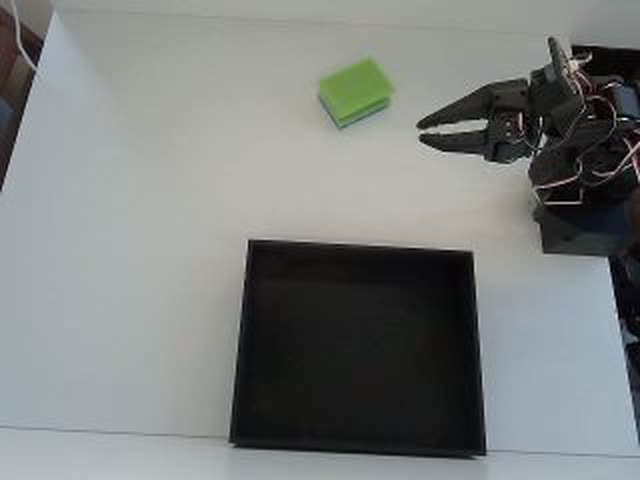
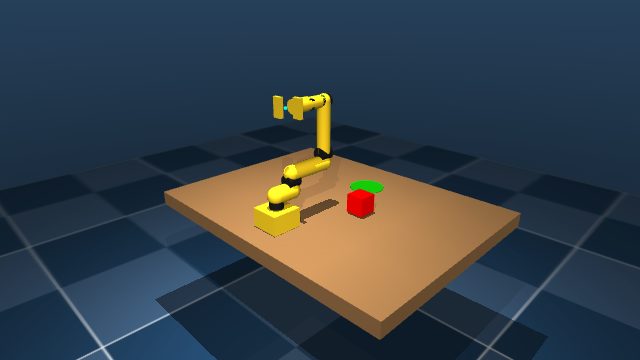
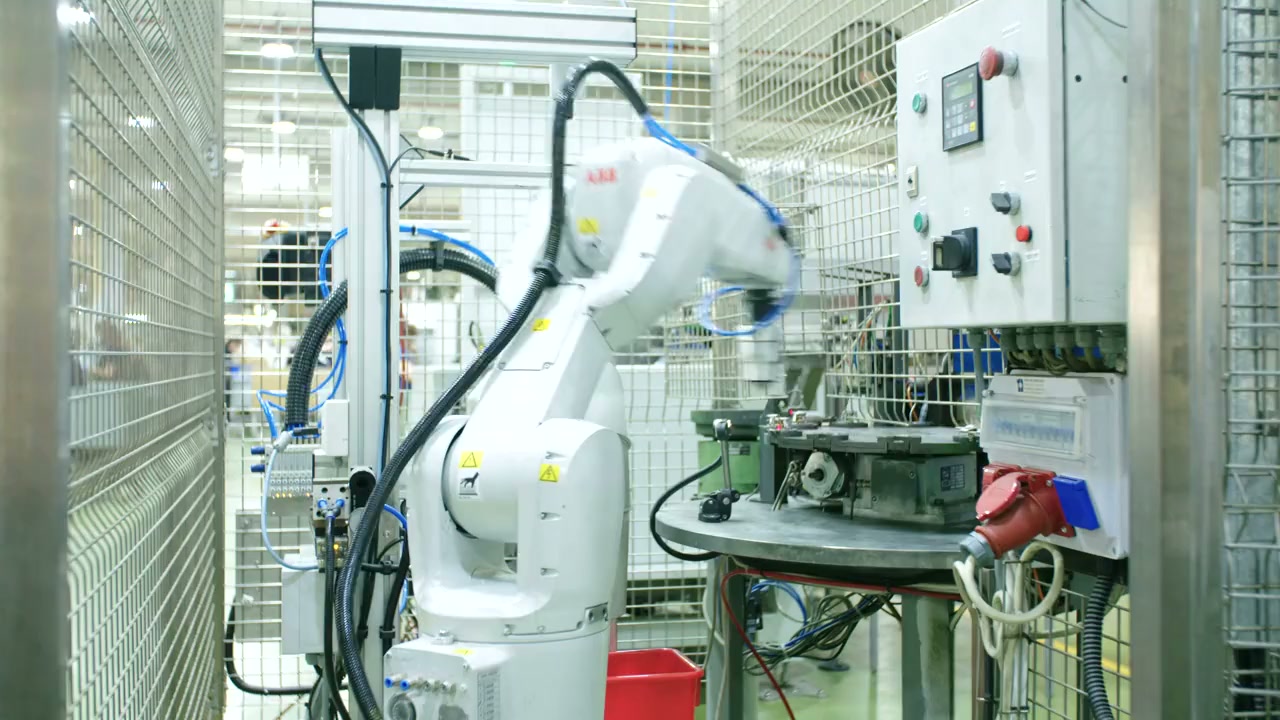
Listings from the marketplace with episode count and price. A purchase appears in your account as a dataset and can be selected in the training dialog immediately.
No data of your own yet?
The marketplace has ready-made LeRobot datasets with episode previews - buy and start training right away.
Questions about cloud training
ACT and SmolVLA fit an RTX 3090/4090 class card with at least 20 GB VRAM. Pi0.5, GR00T N1.5 and N1.7 need 80 GB and get an A100 or, faster, an H100. The platform picks by VRAM, disk, reliability and EU location; never by hand.
Related on AY-Robots
Teleoperation
Remote operators drive your arm and record demonstration data around the clock.
Read moreDesktop client
Record your own datasets with your arm and cameras, straight into LeRobot format.
Read moreCloud inference
Serve a checkpoint in the cloud and watch a real arm run it in your browser.
Read moreSimulator
Real teleop demos become varied simulation episodes, checked automatically and exported in LeRobot format.
Read moreStart your first run
Create an account, choose a dataset, choose a model - you will see the loss curve within a few minutes.